THE PROBLEM
Dubrovnik Daily is a local news site that has to pay for itself. That meant two products, not one. Readers needed a fast, clean place to scan the news. The team needed a way to publish, and the business needed a way to sell ads and track leads. The client had no system for either. I designed both, built both with AI, and hosted them on the client's own server. I did it solo, with AI as a very quick pair of hands and me making every decision.
HOW I WORK NOW
This is my daily workflow today. Design and development are one job, powered by AI. It runs in five stages.
THE BRAND COMES FIRST
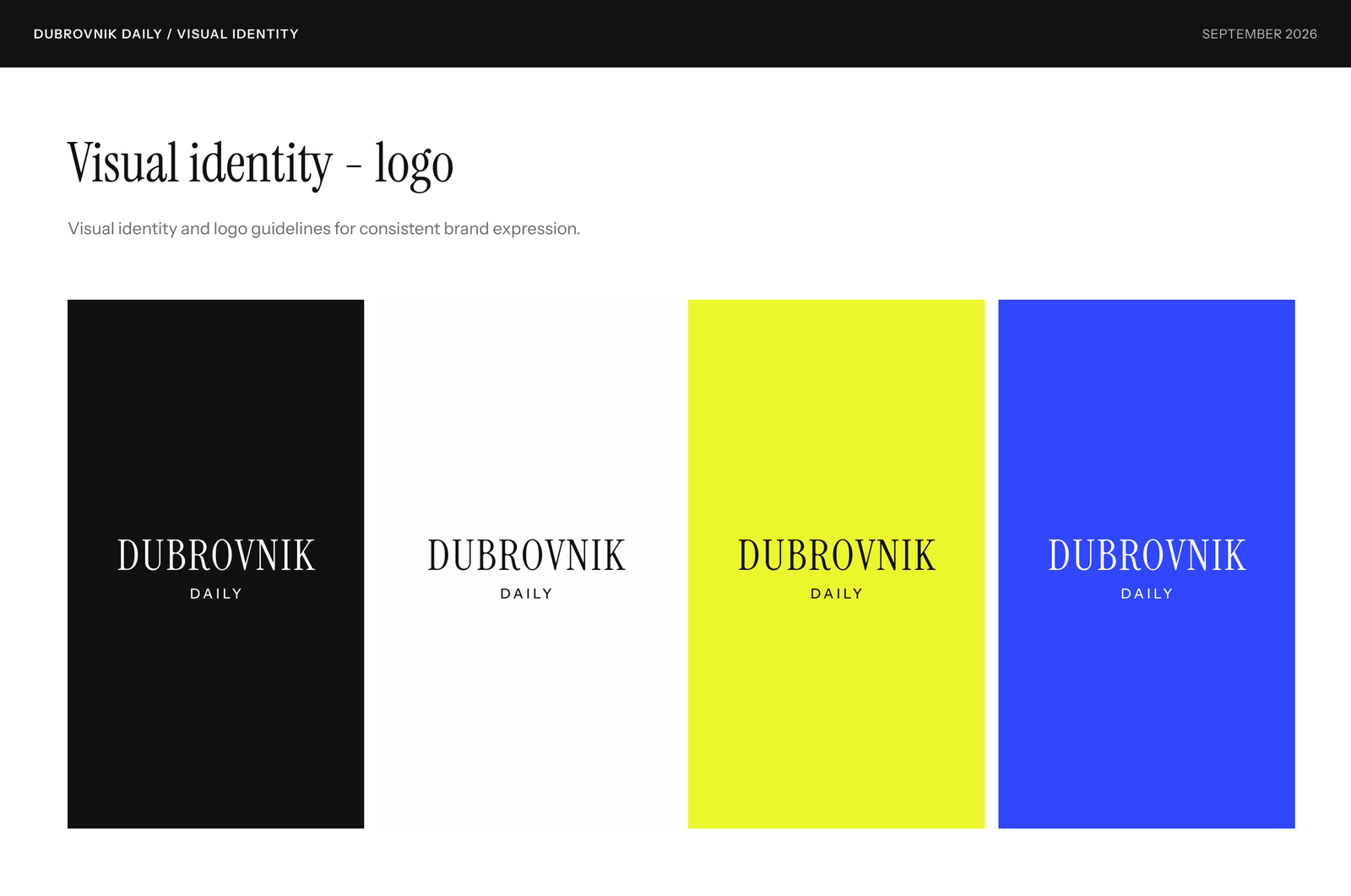
Before any screen, I set the visual identity. Simple, black and white, with a calm editorial voice on the public side. Everything after this follows from it.
Typography
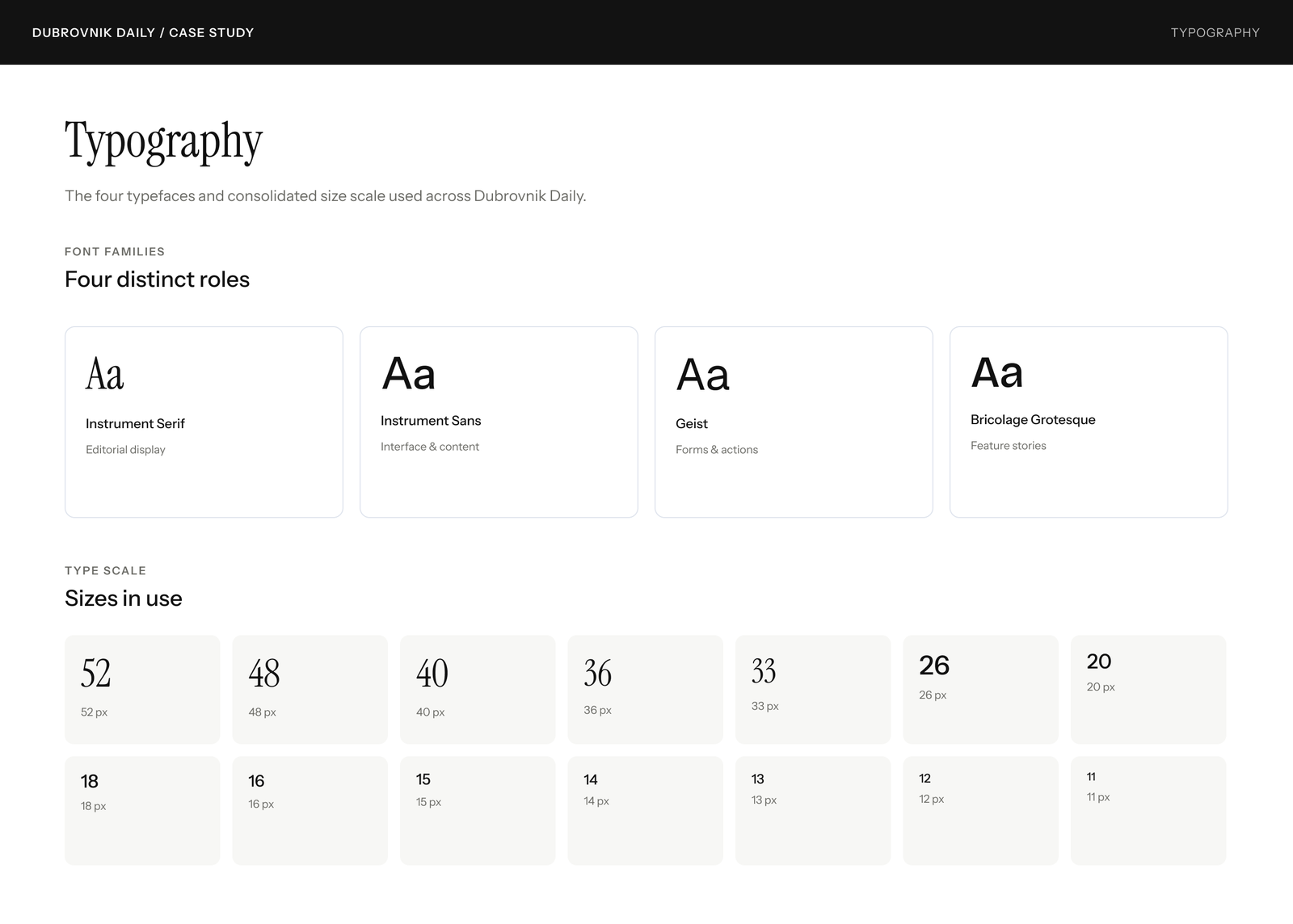
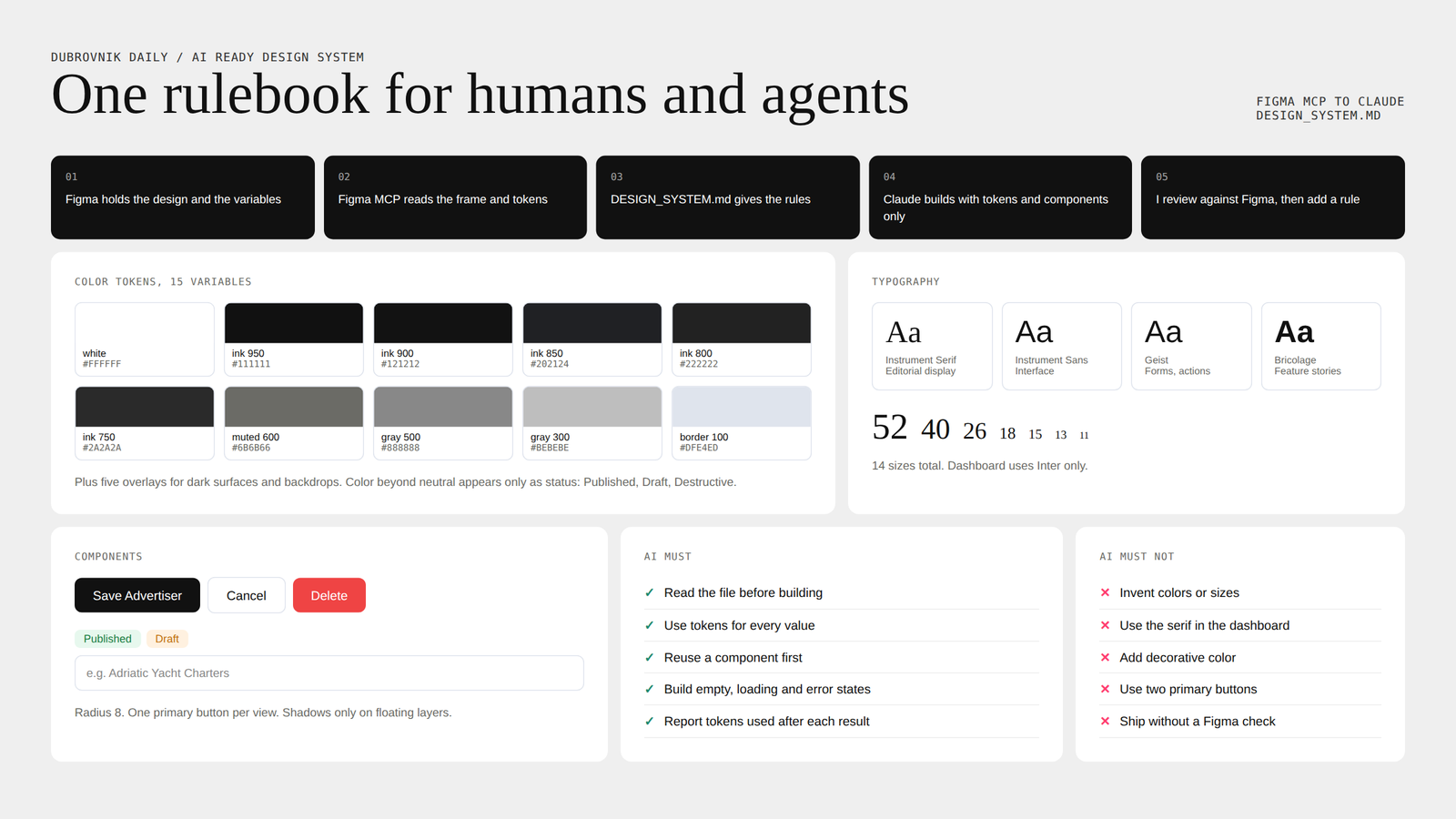
Four typefaces with four jobs: Instrument Serif for editorial display, Instrument Sans for the interface, Geist for forms and actions, and Bricolage Grotesque for feature stories. The dashboard stays on Inter only.
Color
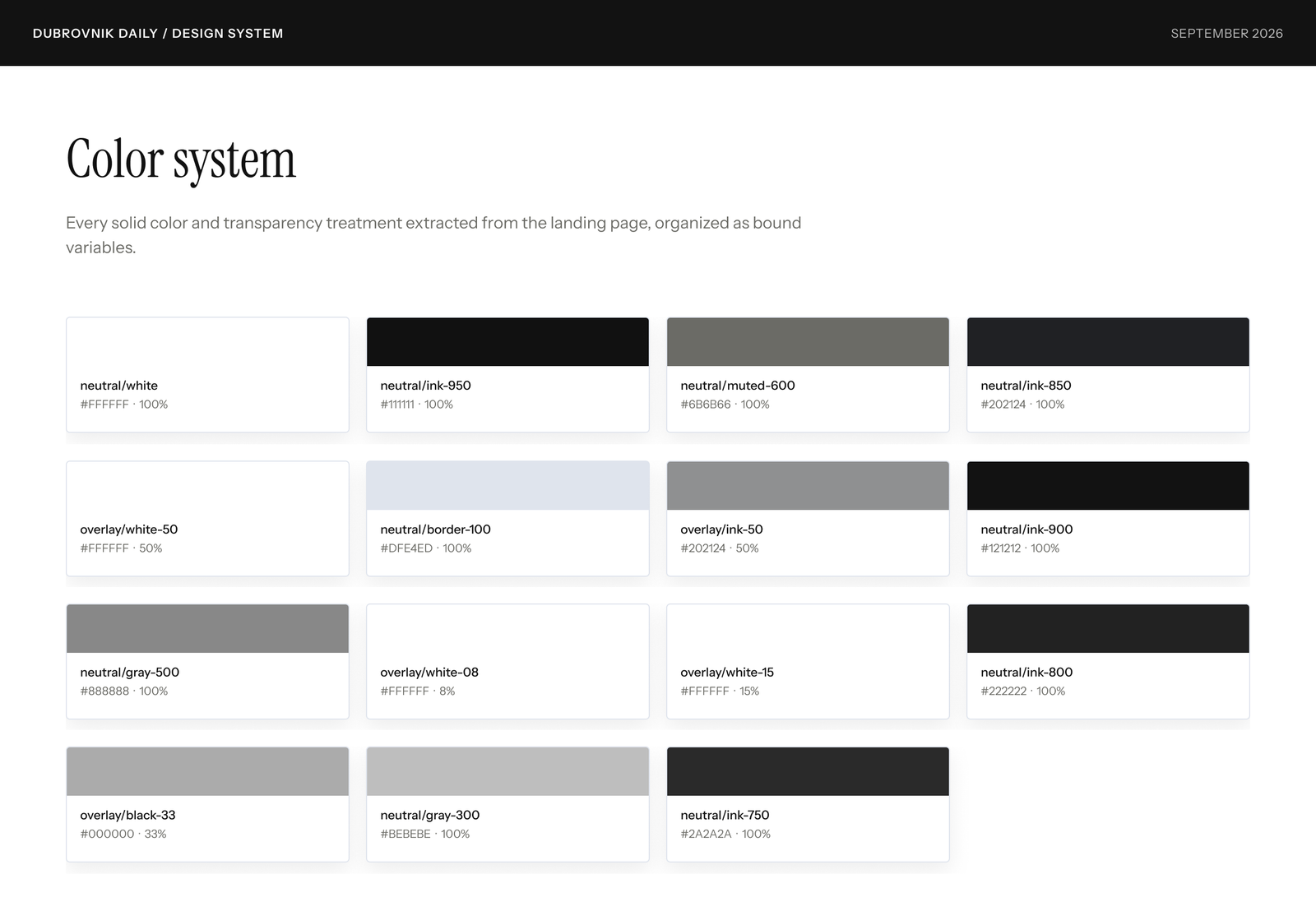
Fifteen neutral variables. Color only appears when it carries meaning, like Published, Draft or Delete.
Buttons
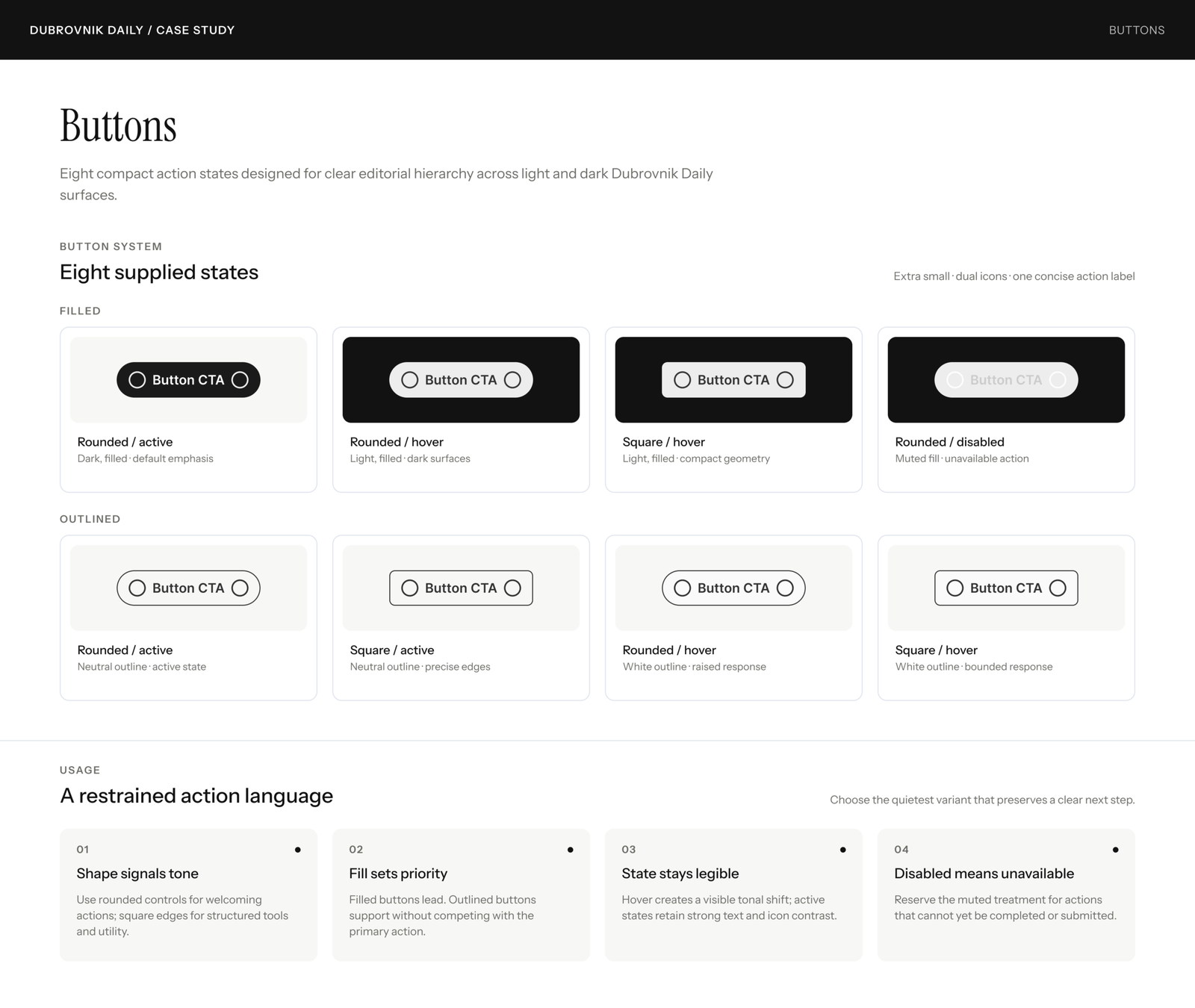
DESIGNED IN FIGMA FIRST
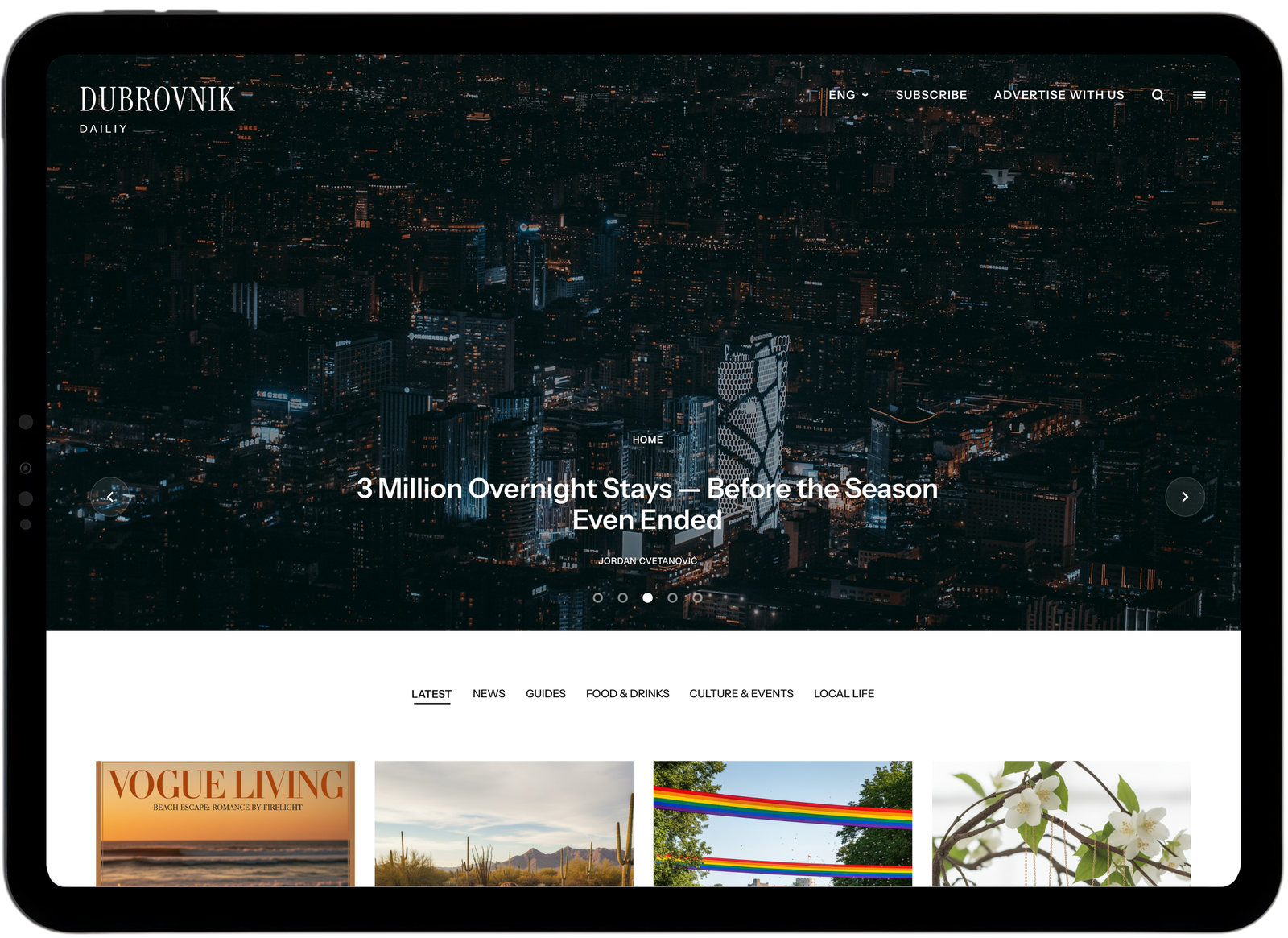
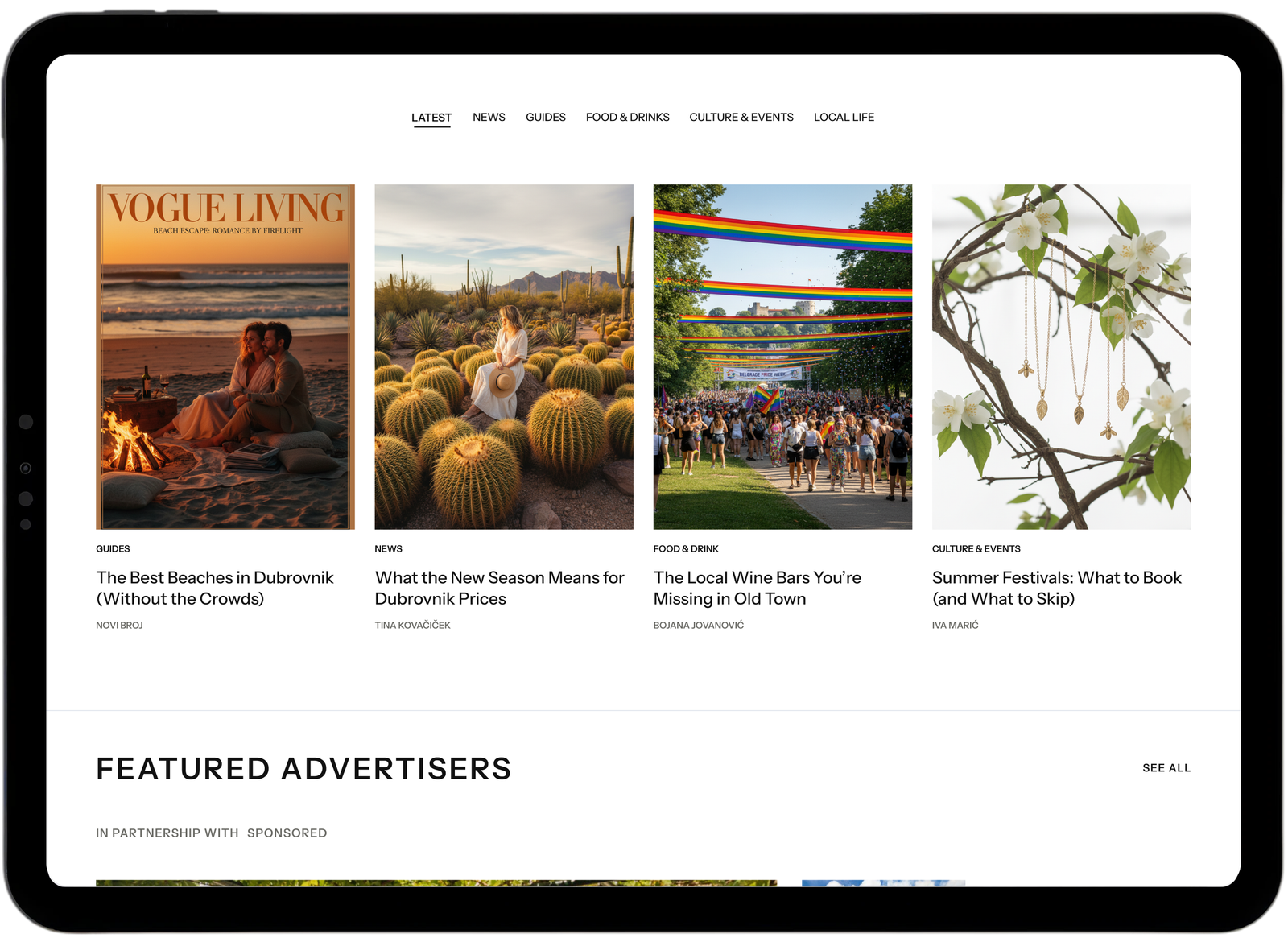
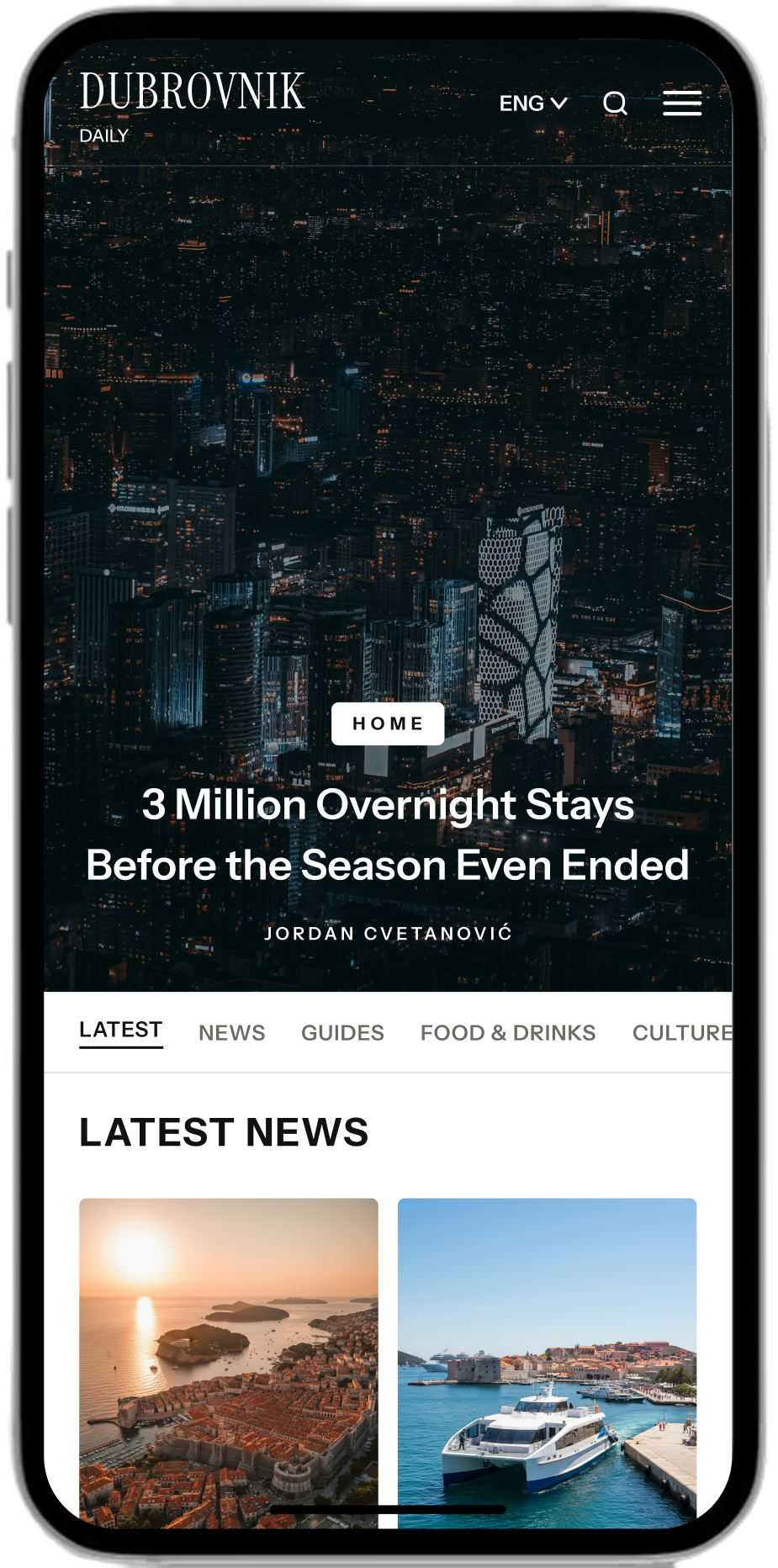
Every screen started in Figma, from my own design system. Desktop and mobile were designed together so neither one is an afterthought.
Desktop
Mobile
MAKING MY DESIGN SYSTEM AI READY
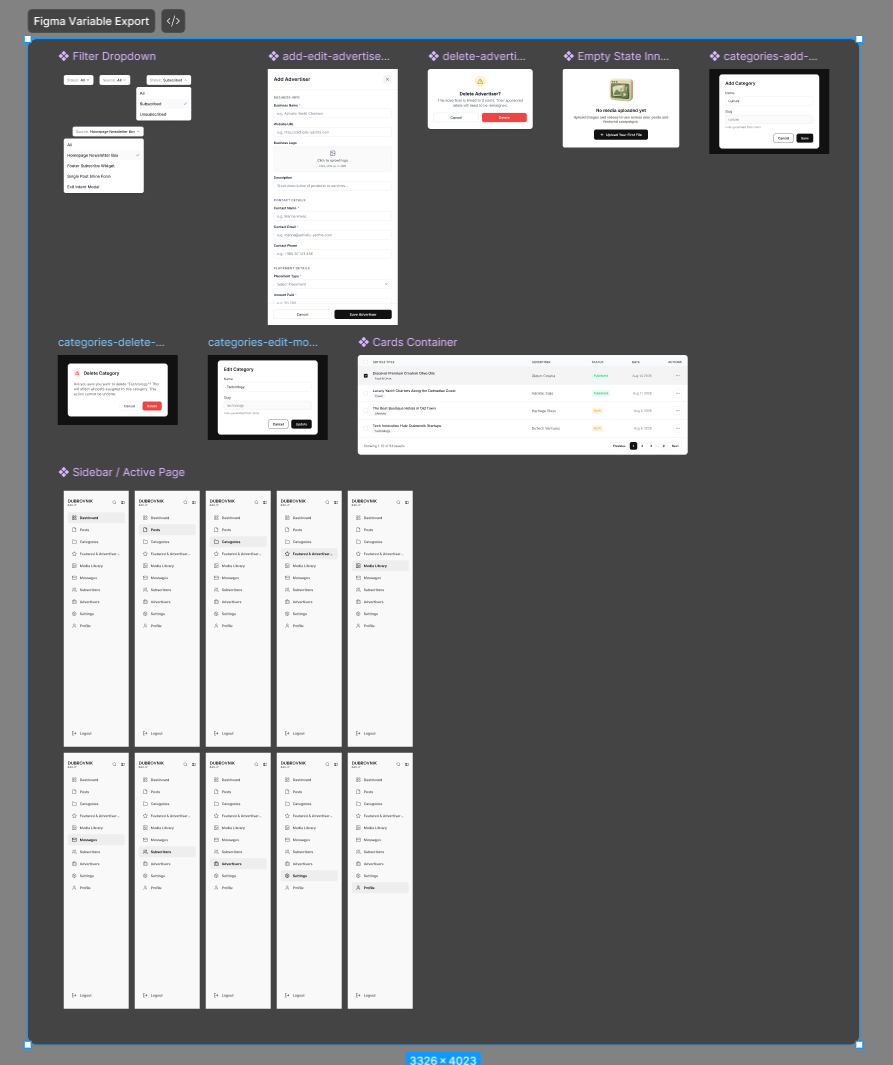
AI has limits. It invents values, drifts from the style and forgets earlier decisions. I do not fight that. I remove the guessing. I exported my Figma variables, connected the file to Claude through Figma MCP, then wrote everything down in one markdown file that Claude reads before it builds anything.
The Markdown File In Action
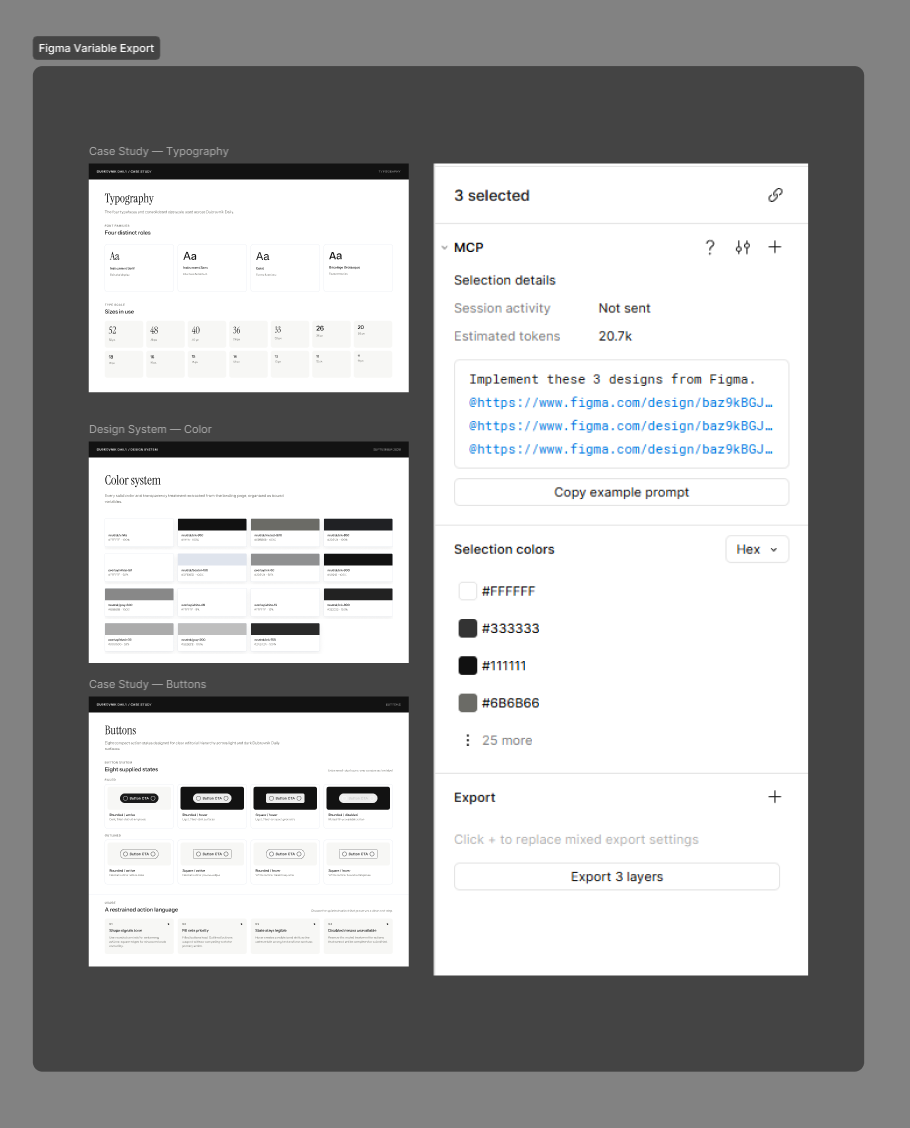
Pulling Real Frames Through Figma MCP
When I share a frame link, Claude reads the variables and the layout straight from Figma, maps them to the tokens in the markdown file, and builds with existing components. Corrections I make become new rules, so the same mistake does not come back.
THE FINISHED SITE
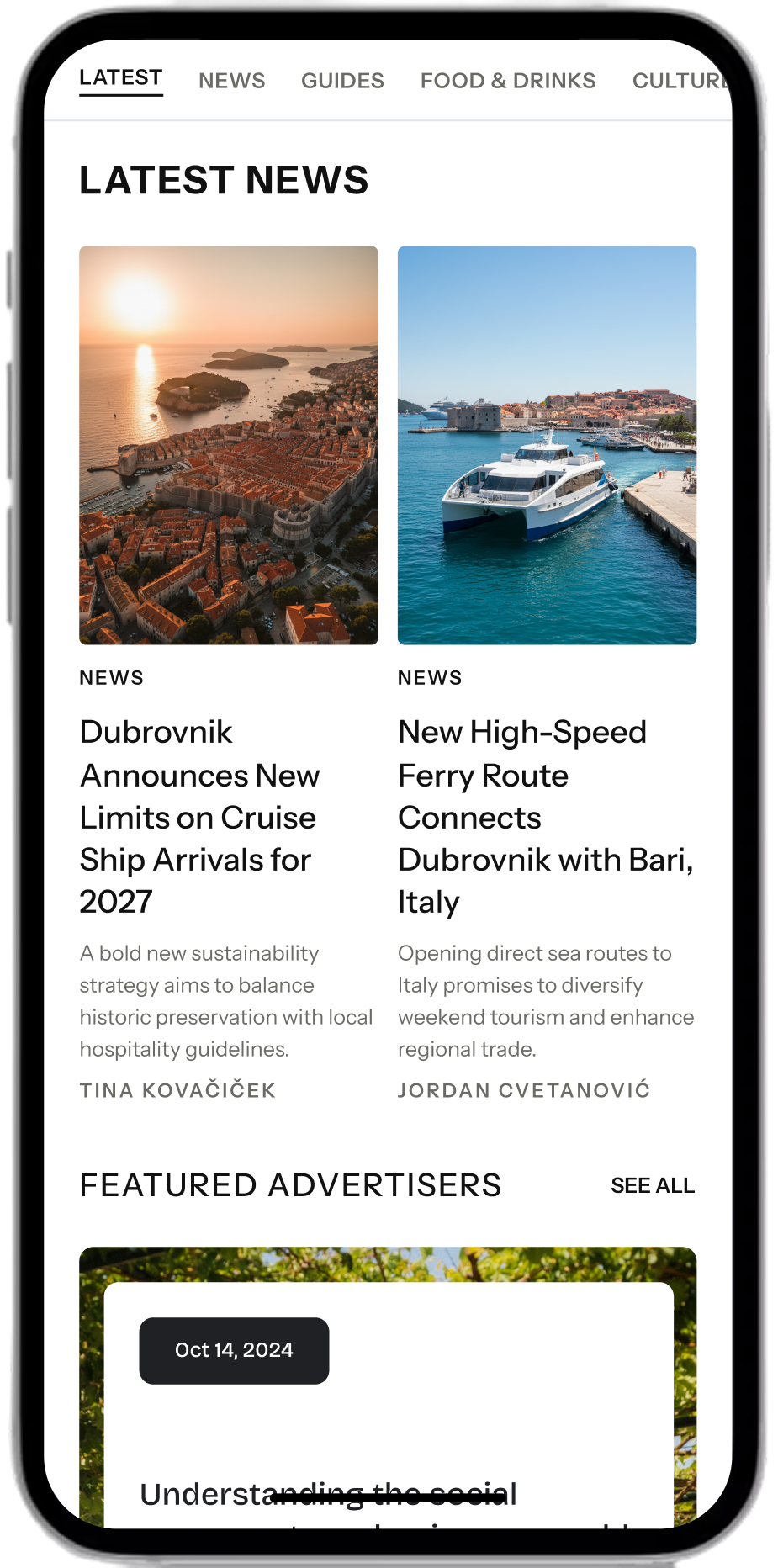
The result is live: a story slider, a Latest feed with five categories, Featured Advertisers, Editor's Picks, a Trending list ranked by views, and a Thursday newsletter. The Advertise With Us page has four placement options and a simple inquiry form. Here it is on mobile, playing on a loop.
Article Detail
THE CUSTOM CMS DASHBOARD
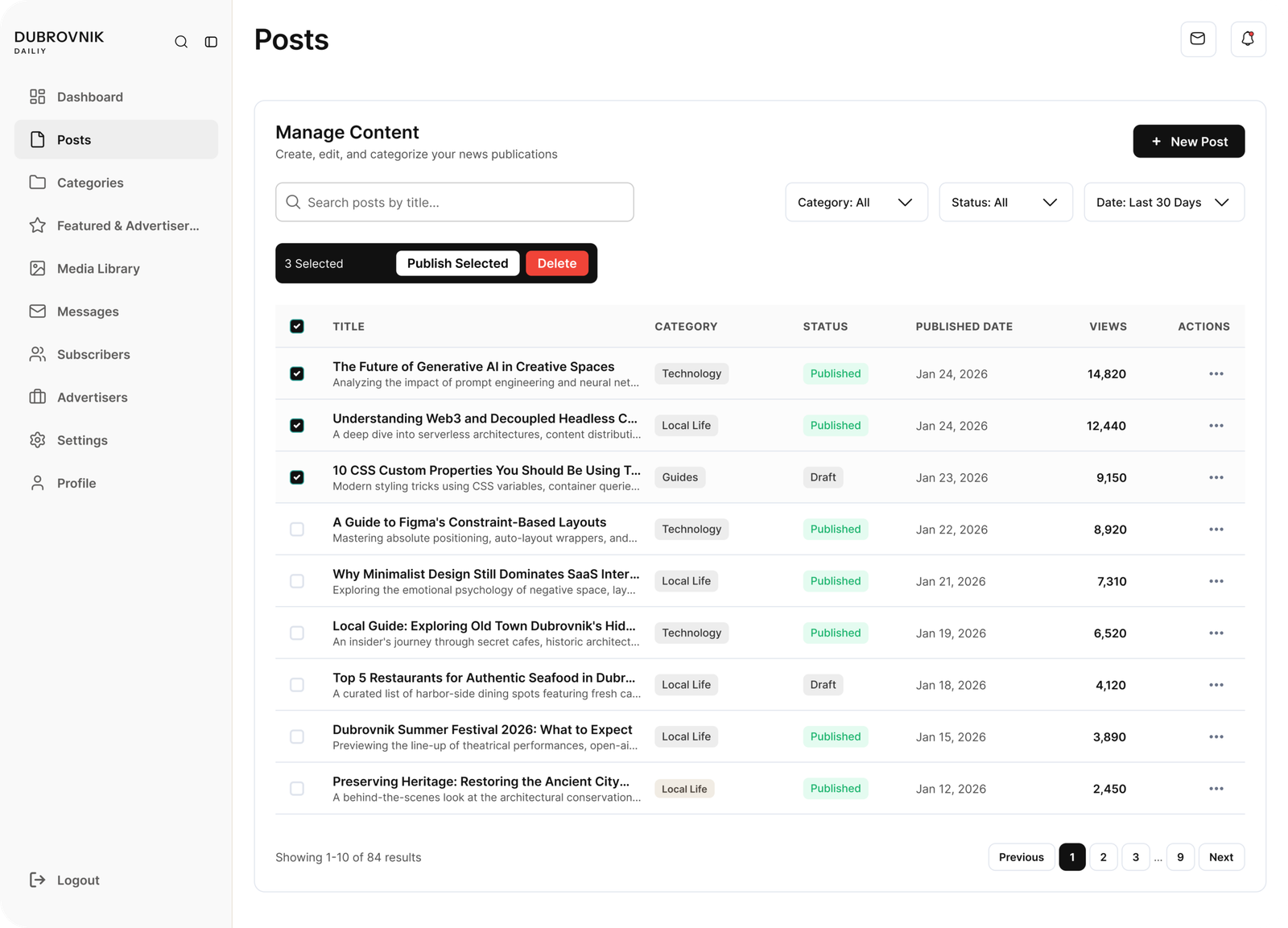
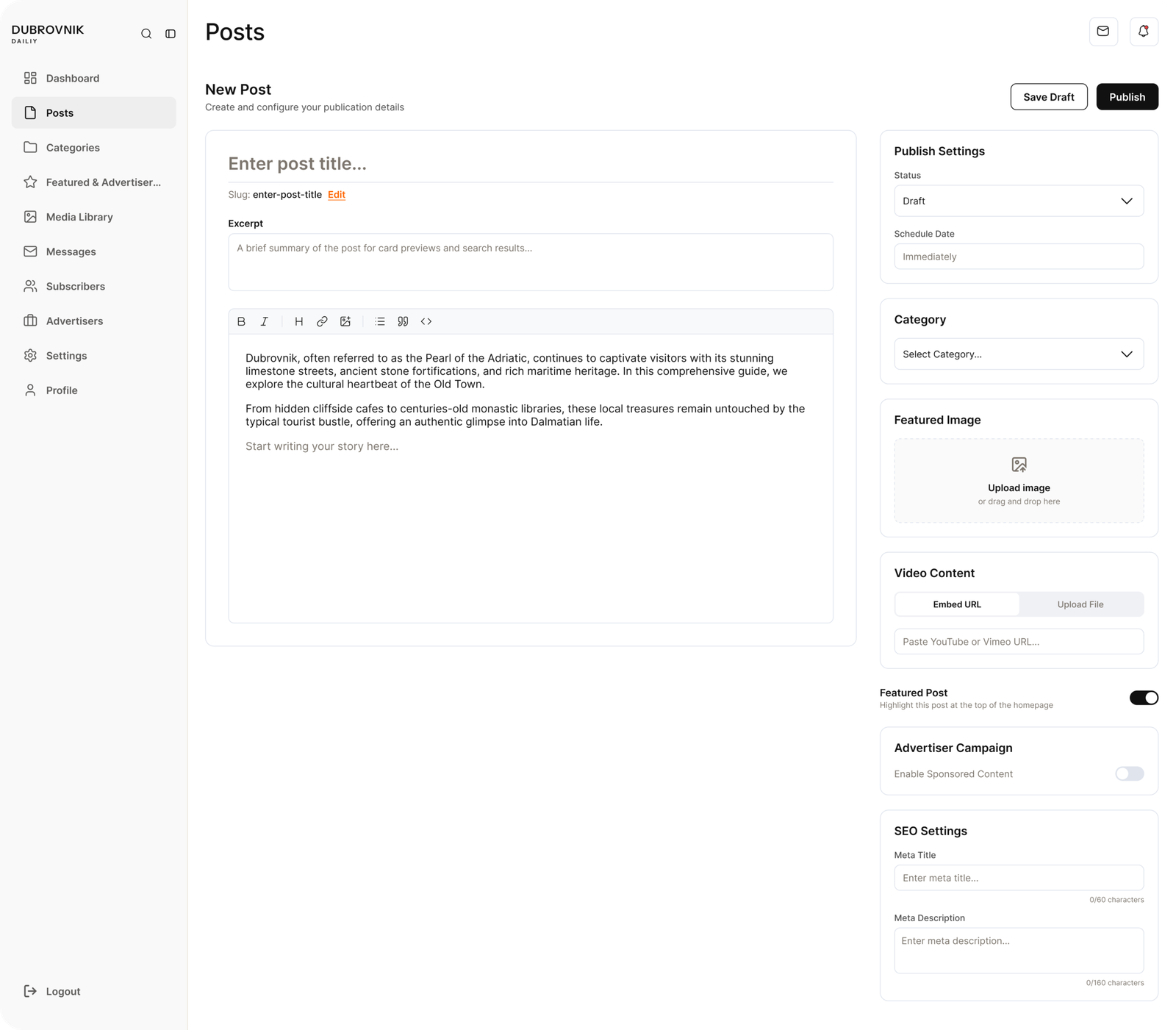
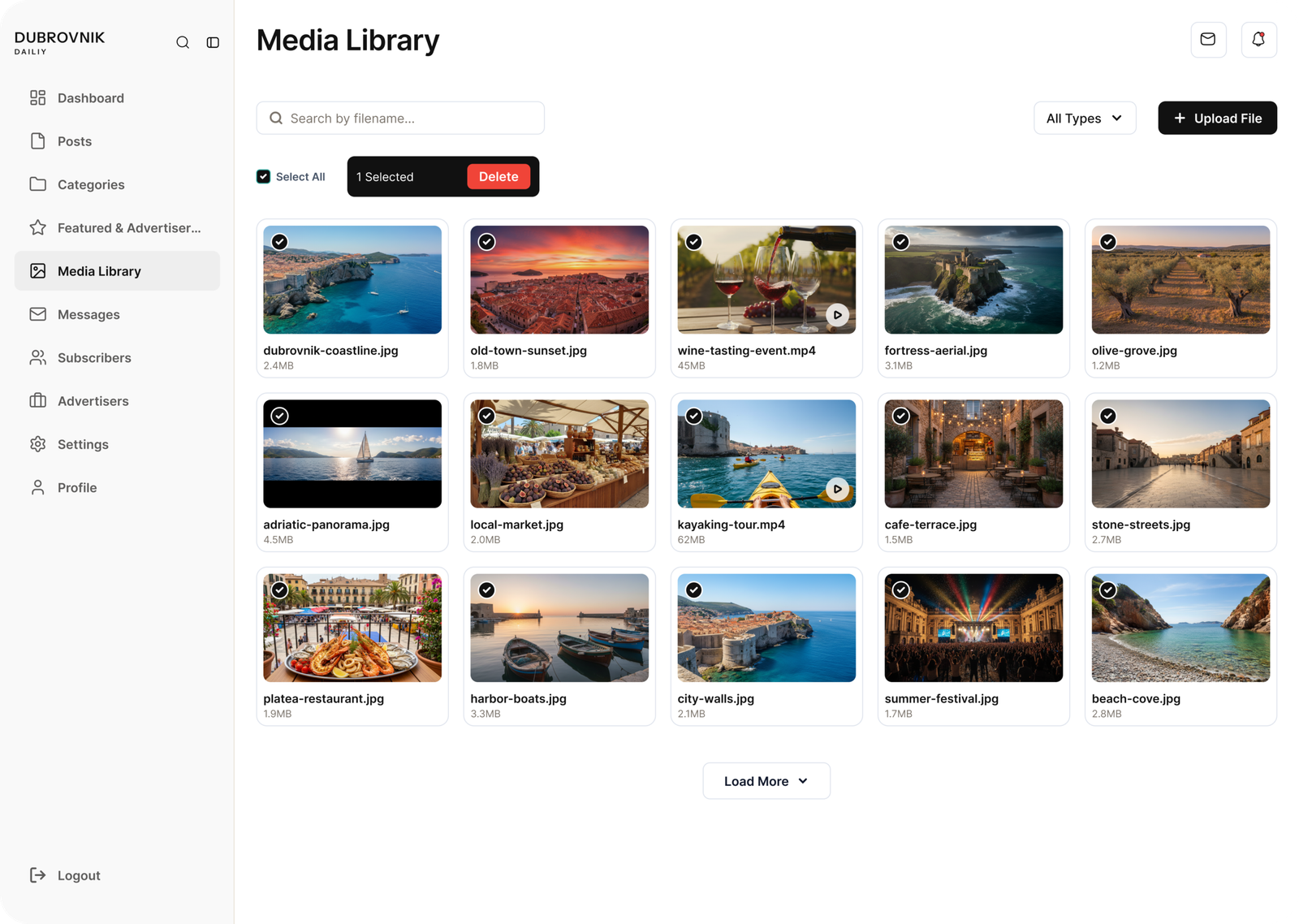
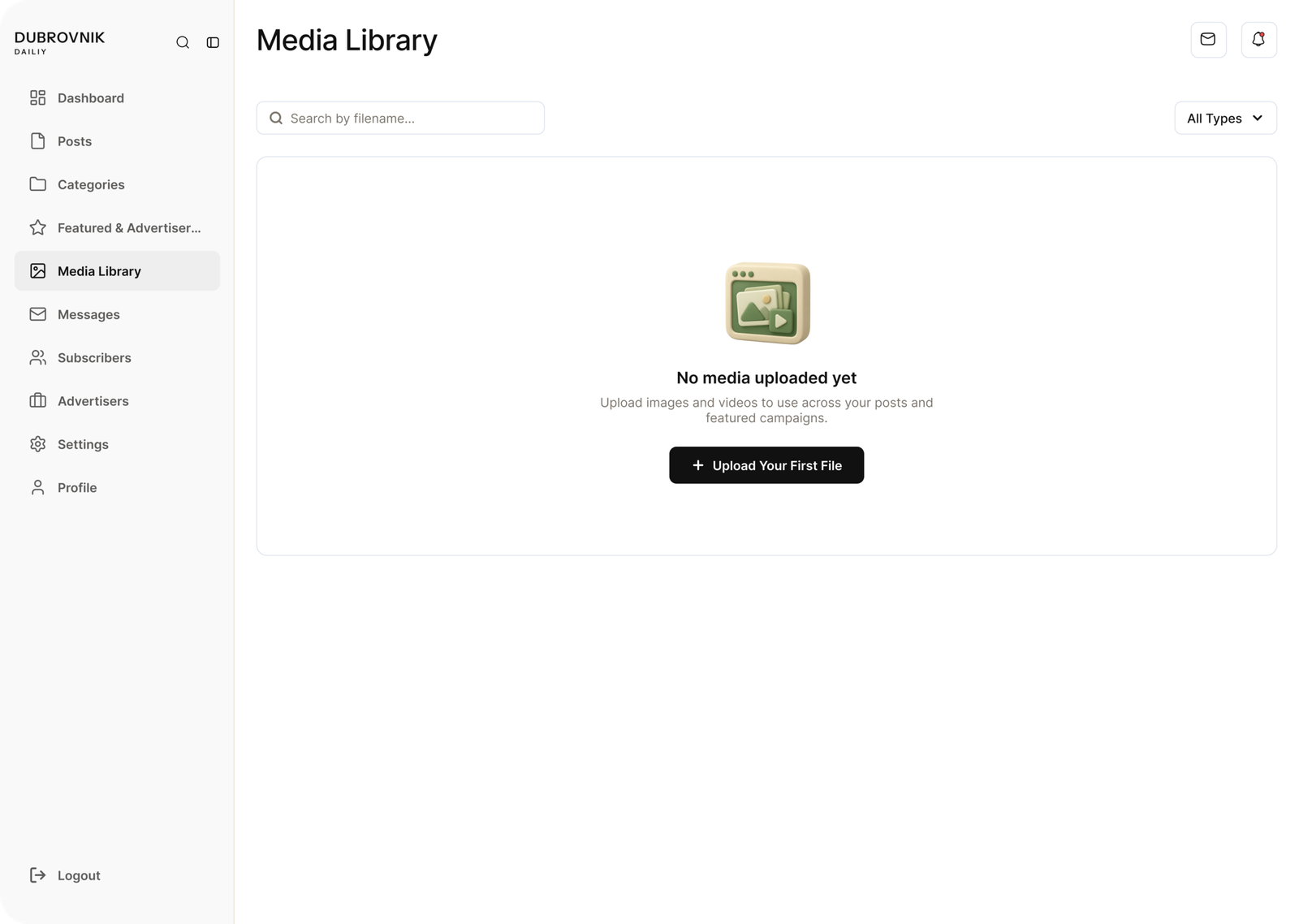
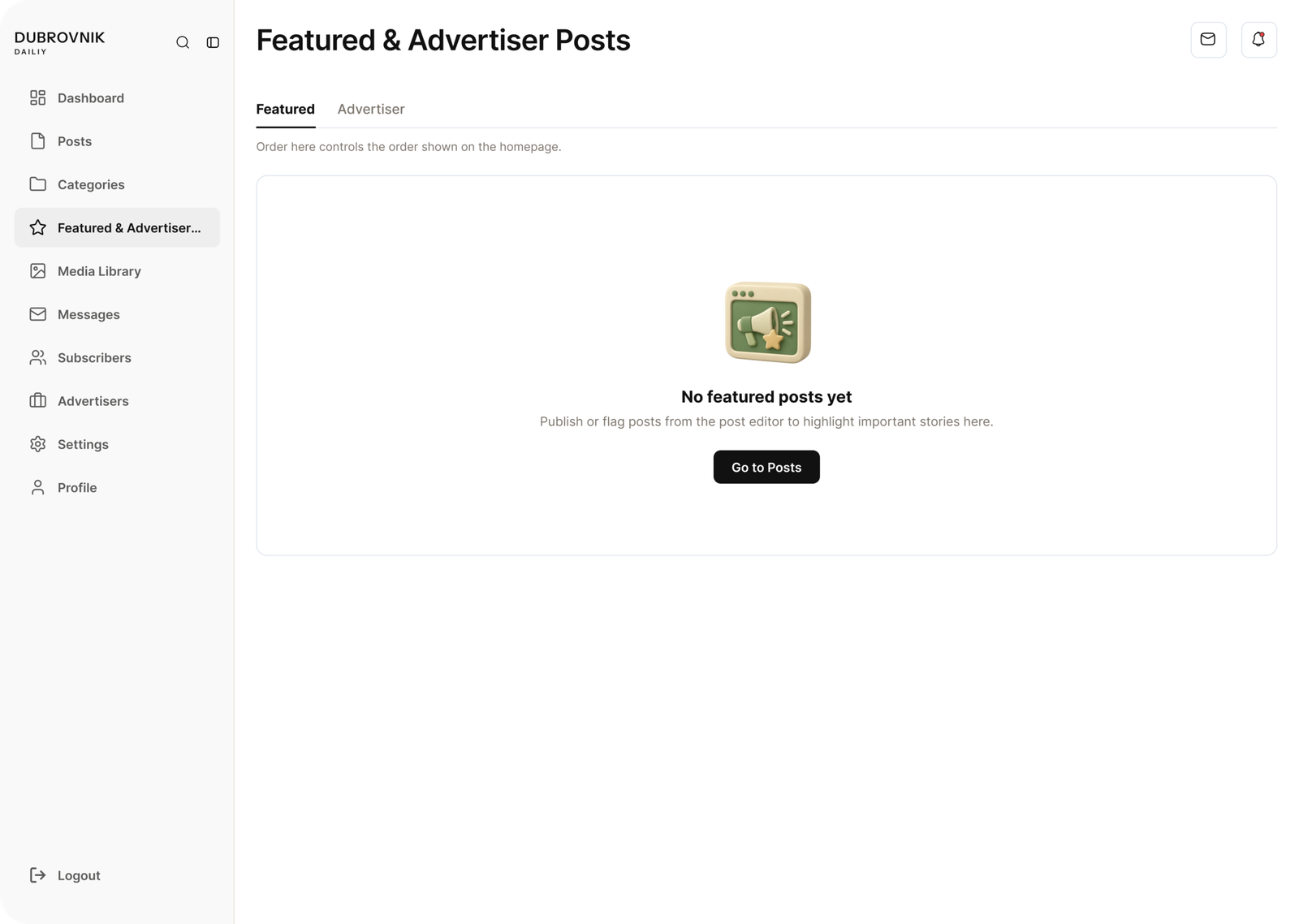
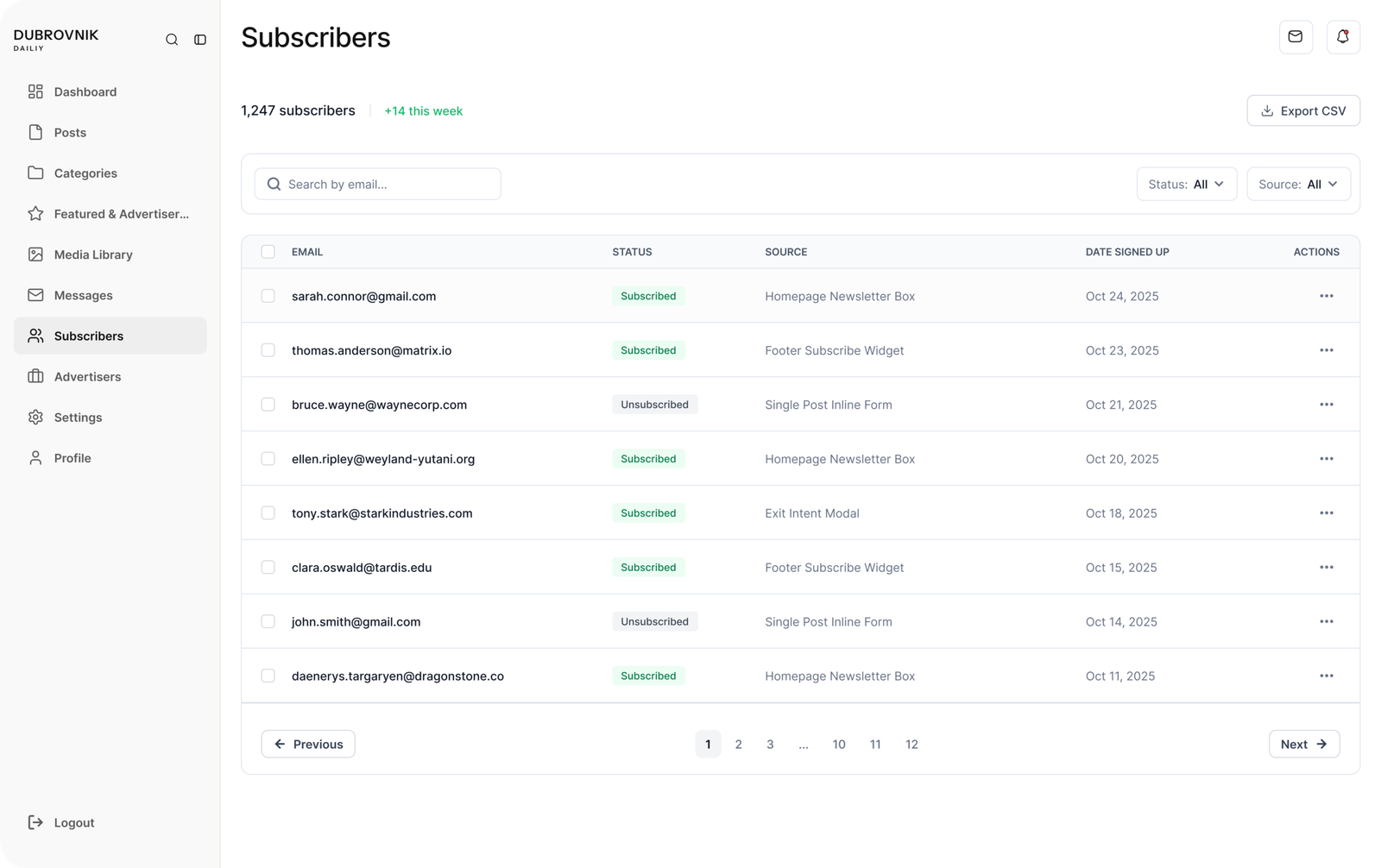
Same system, different surface. No editorial type, no decoration. Black, white and grey, with color only for status. From here the team writes and publishes posts, manages media, tracks who advertises, and sees subscribers. Leads from the Advertise With Us form arrive here too.
Dashboard In Action
Custom Built, Not a Template
The back end is custom PHP, written with Claude and hosted on the client's own hosting. There is no page builder and no plugin pile. The whole site is controlled from the dashboard, including the categories. The team can create a new category, list the existing ones, and the site updates from there. Posts, media, advertisers and subscribers work the same way, so nothing needs a developer after launch.
WHAT WENT WRONG, AND THE RULES I ADDED
The AI was fast and mostly right, but it slipped in the same places a junior designer would. Each slip became a written rule, and after that it stopped happening.
RESULTS AND WHAT I LEARNED
[ADD: what the client liked, and any real numbers.]